Published
How to View a Blocked Instagram Account (What Actually Works)
Getting blocked on Instagram is one of those things that feels worse than it probably should. One day you can see someone’s profile, their posts, their stories — the next day you search their username and get nothing. Or you try to visit their profile and hit a wall. It’s disorienting partly because Instagram is deliberately vague about it.
This article covers exactly what happens when you’re blocked, what a blocked Instagram account looks like from your perspective, and the realistic options for how to view a blocked Instagram account in 2026.
See Any Instagram Profile — Even If They Blocked You
Peekviewer operates independently of your Instagram account. Being blocked, muted, or restricted has zero effect on what you can access.
Plans from $12.74/mo · Cancel anytime
What Does a Blocked Instagram Account Look Like?
Instagram doesn’t send you a notification when someone blocks you. There’s no message, no alert, no explanation. You find out by noticing things are missing.
Here’s what a blocked Instagram account looks like when you try to find it:
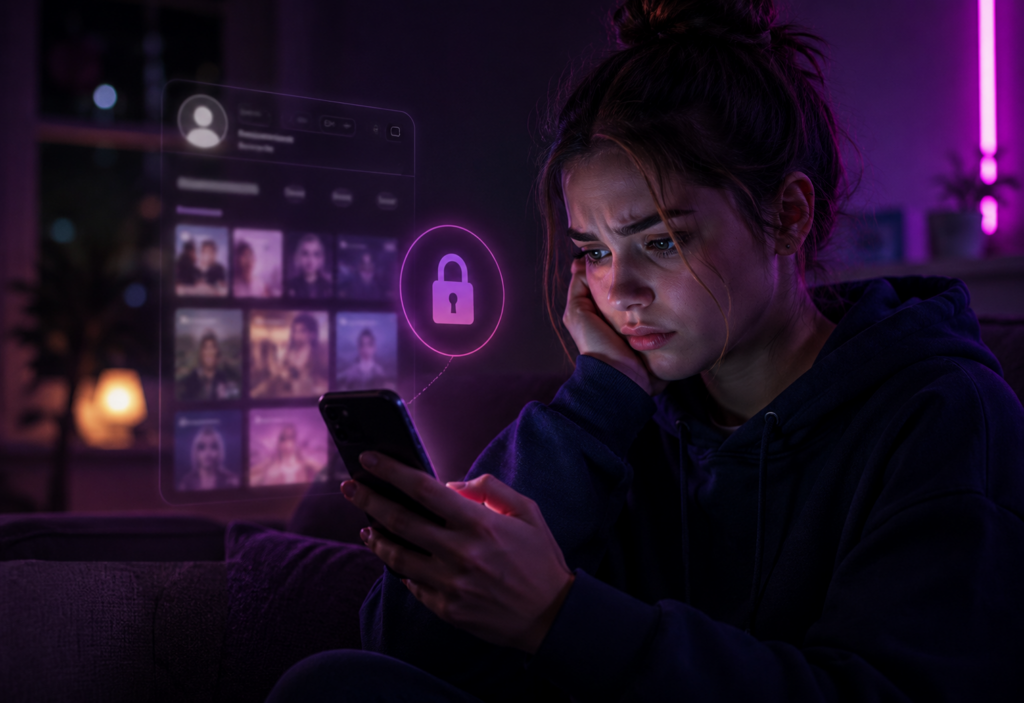
If you search for the username directly, one of two things happens. Either the account doesn’t appear in search results at all, or it appears but when you tap into it, you see a profile with a post count but a blank grid — “No Posts Yet” — even though you know the account has content. The follower and following counts may be visible but you can’t see any of the actual posts.
If you had a direct message thread with this person, the thread stays in your inbox but you can no longer send them messages. Their profile picture in the thread may disappear or show a default grey icon.
If you visit their profile through a link or someone else’s tagged post, you may land on a page that simply says “User Not Found” or shows the empty grid.
The key distinction between blocked and a deactivated or deleted account: if you’re blocked, other people can still see the account normally. If you log out of Instagram and search the same username without being logged in, the profile likely appears fine. That’s the tell.
How to Tell If You’ve Been Blocked vs Other Possibilities
Before assuming you’re blocked, it’s worth ruling out a few other things.
They made their account private Possible
If an account was public and suddenly you can’t see posts, they may have switched to private rather than blocking you. In this case, you’d see the lock icon and a “Follow” button rather than an empty grid.
Sign out of Instagram and check the profile. If you can still see posts as a logged-out visitor, they went private — not blocked.
They deactivated their account temporarily Possible
Instagram allows users to deactivate for periods without deleting. In this case, the account becomes invisible to everyone — not just you.
Ask a mutual friend to search for the account. If they can’t find it either, it’s likely deactivation rather than a block.
They deleted their account Permanent
Same outcome as deactivation from your perspective, but permanent. The account is gone for everyone, not just you.
If the account has been missing for several weeks and no mutual contacts can find it, deletion is more likely than deactivation.
They blocked you Most likely
If the account is visible to others but not to you, and you had prior access, this is the most likely explanation. You may see an empty grid, “No Posts Yet,” or “User Not Found” — while others can view the profile normally.
Log out of Instagram and search the username. If the profile appears normally to a logged-out visitor, you’ve been blocked.
How to See Someone’s Instagram If They Blocked You
The honest answer is that Instagram’s blocking system is pretty effective. There’s no way to bypass it within the Instagram app itself. But there are a few approaches that actually work to some degree.
Log out and search. If their account is public, logging out of Instagram and visiting their profile in a browser or as a logged-out user will often show you the content. Blocked status only applies to your account — not to anonymous visitors. This is the simplest method and works for public accounts.
Use a different account. If you have a second Instagram account that isn’t blocked, you can view their profile from there. This is obvious but worth stating. It works, there’s no technical trick involved, and for a public account it takes about ten seconds.
Ask a mutual friend. The low-tech option. Someone who follows them can screenshot or show you what’s on the account. Not elegant, but functional.
Use Peekviewer. For a more thorough look — especially if the account is private, or you want to see stories, highlights, comments, and historical content — Peekviewer is the most complete solution. It operates independently of your Instagram account, so being blocked has no effect on its ability to pull data from a profile. You sign up with an email address, enter the username, and the tool syncs the profile data into your dashboard — posts, stories, follower lists, highlights, tagged photos, comment threads.
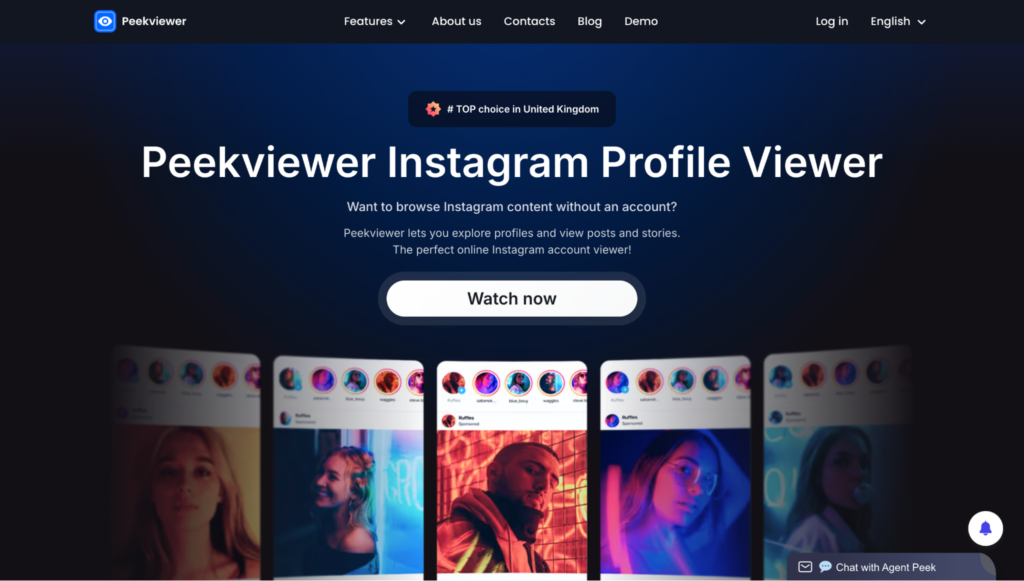
View Blocked Instagram Content: What Peekviewer Actually Shows You
When someone blocks you on Instagram, your logged-in account loses access. Peekviewer doesn’t use your Instagram account at all — which is why blocking is completely irrelevant to it. Here’s what you can access:
✓ What you can see
Posts & photos
Full feed including older content. Public accounts sync in 15–20 min. Private accounts take up to a few weeks.
Stories — anonymously
Active stories and expired ones stored for up to 3 months. Your name never appears in their viewer list.
Highlights
The circles at the top of the profile. Free tools often miss these — Peekviewer specifically pulls highlight data, including deleted highlights.
Follower & following lists
Full lists with profile pictures and follow dates. See exactly who follows them and who they follow.
Tagged photos
Photos other accounts tagged them in, including ones they’ve since removed the tag from.
Comment threads
Every comment on every synced post, with timestamps and usernames. Full thread, not a preview.
✕ What you can’t see
Direct Messages
Peekviewer doesn’t access DMs — and that’s the right call. There’s a meaningful line between monitoring someone’s public-facing content and reading their private conversations.
How to See Blocked Accounts on Instagram: The Limits
It’s worth being direct about what doesn’t work, because there’s a lot of noise online about this.
“Unblock yourself” tricks — there’s no such thing. You can’t reverse a block from your end. The person who blocked you is the only one who can unblock you.
Instagram block checker apps — most of these are scams or data harvesting tools. They don’t give you access to blocked content; they just confirm what you already know (that you’re blocked) while collecting your data.
Sending follow requests from your main account — if you’re blocked, your follow request won’t reach them. They won’t see it.
Instagram’s “Restrict” vs “Block” — these are different. Restrict means they can still see your profile and you can see theirs, but your comments are hidden from others and messages go to Message Requests. Block is the full cut-off. If you can’t see their posts at all, it’s a block not a restrict.
The Practical Guide: What to Do When You’re Blocked
If you just want to check in on someone who blocked you and their account is public — log out of Instagram, search their username in a browser, and you’ll see what anyone who isn’t logged in can see. Quick and free.
If the account is private, or you want to see stories, highlights, historical posts, and comment data — Peekviewer is the realistic option. Being blocked doesn’t affect it. The process: go to Peekviewer, enter the username, sign up with an email, pick a plan. For private accounts the data sync takes time, but it delivers.
Peekviewer pricing:
| Plan | Private Accounts | Public Accounts |
|---|---|---|
| 1 month | $74.99 | $50.99 |
| 3 months | $44.99/mo | $30.03/mo |
| 12 months | $18.74/mo | $12.74/mo |
One More Thing Worth Knowing
Being blocked doesn’t mean the person’s content is gone. It means your specific account has been cut off from their specific account. The content still exists on Instagram’s servers. Other people can see it. Anonymous visitors can often see it. Tools that operate outside your Instagram session — like Peekviewer — can access it.
The block is account-specific, not content-specific. That’s an important distinction that most people don’t realize, and it’s why the methods above actually work.

storiesviewer-org
Author